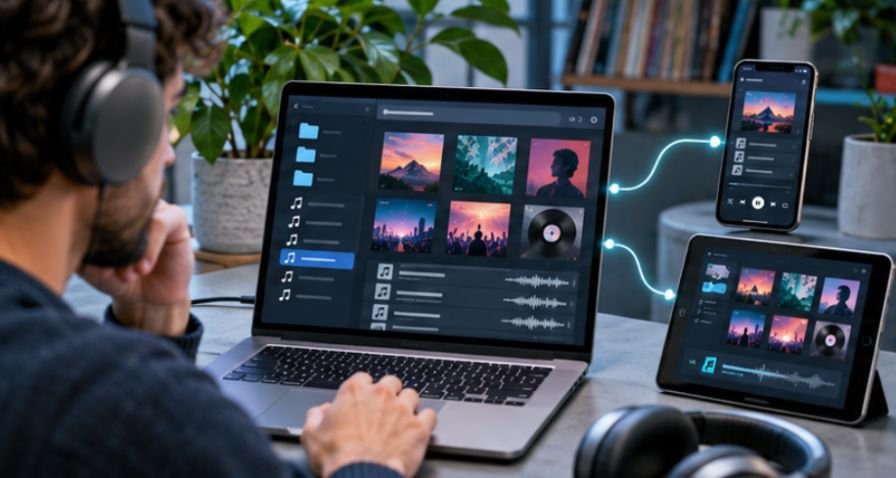
A single failed hard drive can erase years of carefully collected music, including rare recordings, purchased albums, and personalized playlists. Cloud storage offers a way to protect those files while making them accessible across multiple devices.
But how does cloud storage work for digital music libraries, and can it really replace a traditional hard drive?
The technology stores audio files on remote servers, synchronizes changes between connected devices, and allows users to stream or download their collections through an internet connection. Understanding the differences between cloud syncing, music lockers, and reliable backups is essential before moving an entire collection online.
What Actually Happens When You Store Music in the Cloud?
Cloud music storage relies on remote data centers instead of keeping every recording exclusively on your computer or smartphone.
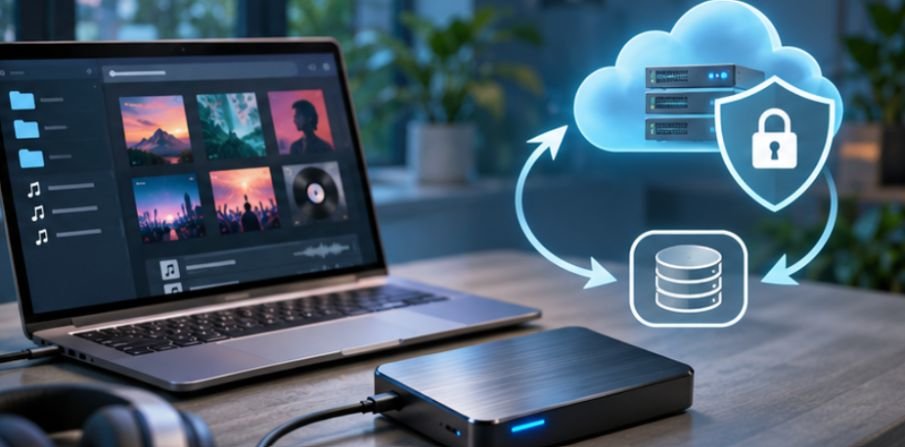
When you upload an MP3, FLAC, WAV, or AAC file, the storage service transfers its digital data to remote infrastructure, where it becomes accessible through your account.
The process generally involves three stages.
1. Uploading and Processing Audio Files
A cloud application reads your selected music files and transfers them over an encrypted network connection.
Depending on the provider, uploaded files may be divided into smaller data blocks, checked for integrity, and stored redundantly.
General-purpose storage normally preserves the original file format. Music-specific platforms may instead process recordings for streaming compatibility.
2. Synchronizing Music Across Devices
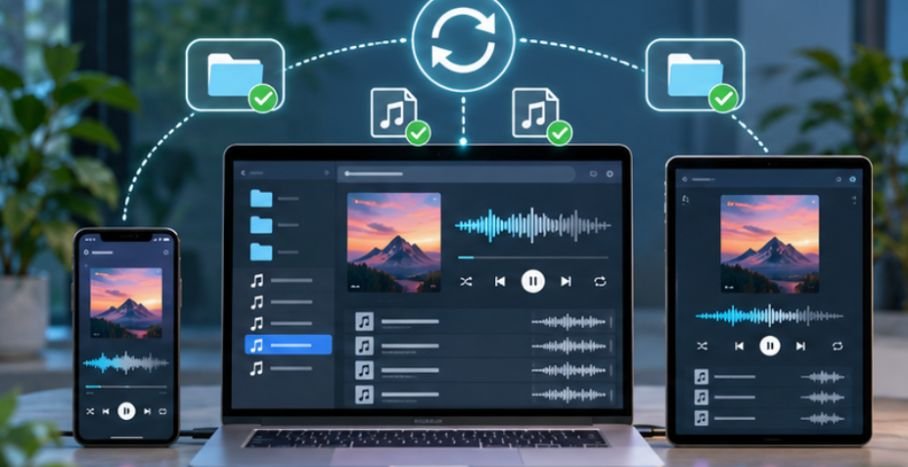
Synchronization software monitors selected folders for changes.
For example, adding an album to a synchronized folder on your Windows laptop can make that album available on your iPhone or another computer.
However, synchronization also creates risks. Deleting a synchronized track on one device may remove it from other connected devices.
3. Streaming and Downloading Recordings
Cloud music applications retrieve recordings when users request playback.
Streaming sends audio data progressively, allowing listening without downloading the complete recording first.
Downloading creates a local copy for offline access, provided the application supports it.
Playback quality depends on the original file, any server-side conversion, and the application’s streaming settings.
Three Cloud Storage Systems That Serve Different Music Needs

Not every cloud service manages music the same way.
General Cloud Drives
Google Drive, Dropbox, Microsoft OneDrive, and iCloud Drive can store audio files alongside documents and other digital content.
They are practical for preserving purchased albums, recording sessions, and music production projects.
For independent musicians, managing finished recordings also involves understanding how digital distribution services transfer music to streaming platforms and make releases available to listeners. Learn how digital music distribution works for artists to understand the next step after storing and organizing completed audio files.
However, advanced music functions such as automatic library organization, gapless playback, or DJ cue-point management may require separate applications.
Music Lockers and Catalog Matching
Music lockers specialize in accessing personal collections through compatible music applications.
Apple’s Sync Library and iTunes Match illustrate a different approach: eligible songs may be matched against an existing music catalog, while unmatched recordings can be uploaded.
Music apps increasingly use artificial intelligence to make these digital catalogs more useful by analyzing listening habits, identifying musical preferences, and suggesting relevant tracks. Learn how artificial intelligence recommends songs on music apps to understand how intelligent recommendation systems improve music discovery and personalized listening experiences.
Matching does not necessarily mean the original audio file is preserved byte-for-byte in the online library.
These systems also impose eligibility, subscription, and library limits.
Hybrid Music Storage
A hybrid system combines locally stored recordings with remote backups or synchronization.
For example, a DJ might maintain performance files on an external SSD while storing backup copies remotely.
This arrangement provides immediate local access and protection against equipment failure.
Modern music production also relies on this combination of local and cloud-based resources, allowing musicians to manage recording sessions, preserve project files, and collaborate across devices. Understanding what technology is used in modern music production provides further insight into the software, recording hardware, and digital workflows behind today’s music projects.
Cloud Storage vs. Local Storage: Which Performs Better?
The right choice depends on whether accessibility, performance, or long-term preservation matters most.
| Feature | Cloud storage | Local storage |
| Access | Multiple connected devices | Devices with local files |
| Internet | Usually needed for remote access | Not required |
| Playback speed | Depends on connection and caching | Generally consistent |
| Backup protection | Depends on backup configuration | Requires separate backups |
| Ongoing costs | Often subscription-based | Hardware replacement costs |
| Privacy | Depends on provider and encryption | More direct physical control |
Cloud storage is particularly convenient for everyday listening across phones, laptops, and tablets.
Local storage remains valuable for live performances, professional recording sessions, and situations involving unreliable internet.
How Cloud Libraries Preserve Audio Quality and Metadata
Keeping music accessible means more than preserving the sound itself.
A properly maintained music collection also includes artist names, album titles, artwork, release information, and track numbers.
Understanding Audio File Formats
MP3 and AAC use lossy compression to reduce file sizes, while FLAC supports lossless compression.
WAV files commonly contain uncompressed PCM audio, although WAV can support other encodings.
The Library of Congress audio preservation recommendations emphasize suitable audio formats and descriptive metadata for preserving sound recordings.
Resources (Preservation, Library of Congress)
For personal collections, retaining original high-quality files is generally preferable to repeatedly converting between lossy formats.
Keeping Playlists and Track Information Intact
Metadata can be embedded directly into audio files or maintained separately by music applications.
Playlists may contain references to specific file locations rather than independent copies of songs.
DJ applications can also maintain cue points, beat grids, loops, and performance history in proprietary databases.
Consequently, backing up only audio recordings may not preserve the complete listening or performance experience.
Cornell University’s digital preservation guidance emphasizes well-documented information and sustainable file formats, principles that also support organized music archives.
Cornell University Library Guides
How Much Cloud Space Does a Music Collection Need?
Storage requirements depend primarily on file size, audio duration, and encoding.
Consider a collection containing 2,000 songs, each averaging four minutes.
Estimated storage for 2,000 songs
| MP3 at 320 kbps | About 19.2 GB |
| CD-quality stereo PCM | About 84.7 GB |
| 24-bit/96 kHz stereo PCM | About 276.5 GB |
Approximate audio-data sizes before artwork, metadata, and storage overhead. Actual lossless compression varies.
These differences matter when selecting subscription capacity.
Someone maintaining a modest MP3 collection may need relatively little space, while producers storing multitrack WAV recordings can require hundreds of gigabytes.
A Practical Method for Building a Reliable Cloud Music Library
A carefully planned setup prevents synchronization problems and unnecessary storage expenses.
- Audit your collection. Identify duplicates, corrupted files, unsupported formats, and incomplete album information.
- Organize folders consistently. Use a structure such as Music / Artist / Album / Track Number.
- Preserve original recordings. Keep the highest-quality available versions before creating smaller listening copies.
- Choose storage based on actual needs. Compare capacity, file-size limits, version history, recovery options, and monthly pricing.
- Upload a test collection. Try several albums containing different formats, artwork, and playlists.
- Verify restoration. Download selected files and confirm their playback, metadata, and integrity before uploading everything.
For valuable music archives, follow the 3-2-1 backup approach described by the Cybersecurity and Infrastructure Security Agency: three copies, two storage media types, and one off-site copy. Importantly, synchronized folders alone are not independent backups.
Security Risks Music Collectors Should Understand
Cloud providers offer security controls, but account protection remains the user’s responsibility.
The Federal Trade Commission’s account security guidance recommends multifactor authentication to reduce unauthorized access.
Additional precautions include avoiding publicly accessible sharing links, using unique passwords, and reviewing account permissions.
The Electronic Frontier Foundation explains important distinctions between encryption methods. For sensitive, unreleased recordings, client-side encryption can provide stronger confidentiality, although it may limit convenient streaming or searching.
Cloud services can still experience outages, account restrictions, accidental deletions, or subscription changes. Maintaining independently recoverable copies remains essential.
Frequently Asked Questions
1. Can cloud storage play music without downloading it?
Yes. Compatible applications can stream audio directly from cloud servers. General file-storage services may require a separate music player or downloading files first.
2. Does cloud storage reduce music quality?
Not necessarily. Standard file storage generally preserves uploaded audio files, while music-streaming systems may convert recordings into different formats or bitrates.
3. How does cloud storage work for digital music libraries across devices?
It maintains remotely accessible audio files and synchronizes supported changes between devices. Music applications may additionally synchronize playlists, metadata, and library preferences.
4. Is cloud storage safe for rare music collections?
It can provide valuable protection, but should not be the only copy. Maintain separate backups, use multifactor authentication, and periodically test file restoration.
The Best Music Library Is One You Can Recover
A digital music collection represents more than storage capacity. It can contain rare recordings, personal discoveries, carefully arranged playlists, and years of creative work.
Cloud technology makes those recordings easier to access, but convenience should never be confused with permanent preservation.
The strongest approach combines organized audio files, dependable local storage, secure cloud access, and independently maintained backups.
Before transferring an entire collection, test a small selection of files, verify their quality, and confirm that you can restore them successfully.
A music library is genuinely protected not simply when every song is available online, but when every important recording can survive the failure of any single device or service.