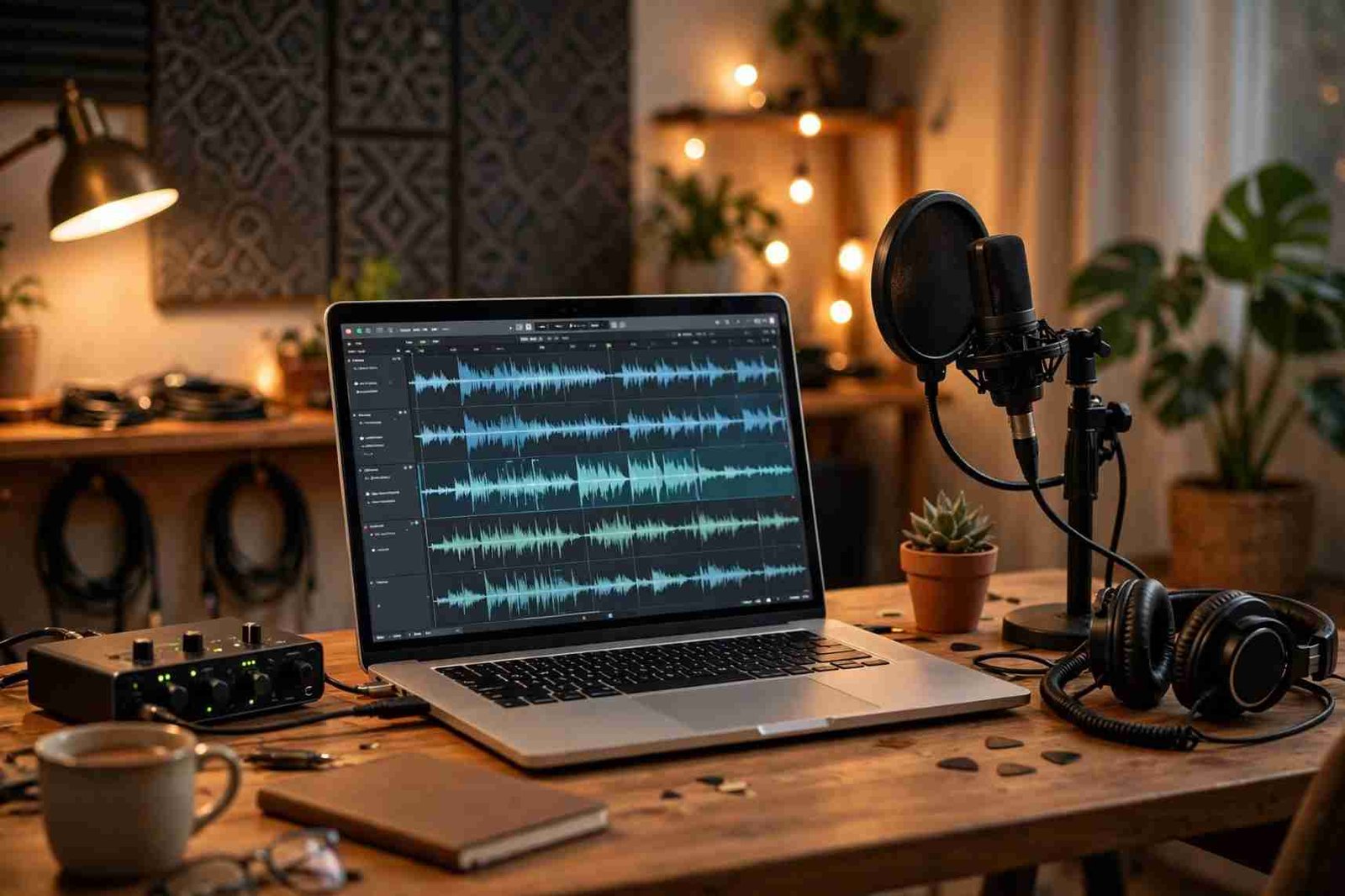
A recording studio no longer needs an enormous mixing console to produce professional-quality music. A laptop, audio interface, and the right software can perform many of the same recording and processing tasks once handled by specialized studio equipment.
But how do digital audio workstations process music recordings from the moment someone sings into a microphone until a finished song reaches streaming platforms?
The process involves converting sound into digital information, organizing recordings, editing musical performances, applying audio effects, and combining everything into a finished track. Understanding these stages helps musicians produce cleaner recordings, solve technical problems, and make better creative decisions.
What Actually Happens Inside a Digital Audio Workstation?
A digital audio workstation (DAW) is software that records, edits, processes, mixes, and exports digital sound.
Popular platforms include Pro Tools, Logic Pro, Ableton Live, FL Studio, and REAPER. Although their interfaces differ, they use similar underlying audio-processing principles.
Every DAW manages three essential operations:
- Capturing and organizing audio or MIDI information.
- Processing recorded material through editing tools and digital effects.
- Combining multiple signals into an output suitable for playback or distribution.
The software coordinates these operations while allowing producers to adjust individual elements without rebuilding an entire recording.
How Analog Sound Becomes Digital Audio
Microphones, Interfaces, and Audio Conversion
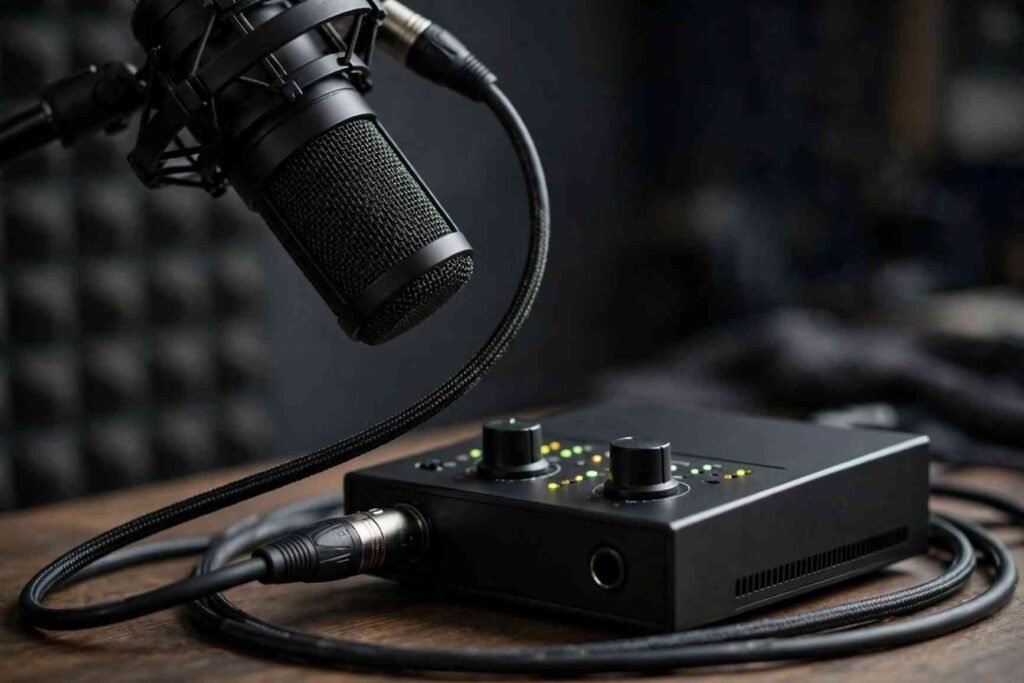
When someone sings, a microphone converts sound pressure into an electrical signal. An audio interface then uses an analog-to-digital converter (ADC) to translate that signal into numerical samples.
The DAW stores these samples as digital audio.
Two settings influence the recording’s digital representation: sample rate and bit depth.
- Sample rate determines how frequently the audio signal is measured.
- Bit depth determines the number of possible amplitude values available for each sample.
The Library of Congress identifies 44.1 kHz as the standard CD sampling rate and discusses 48 kHz as an established professional production rate.
For many home studios, recording at 24-bit resolution with a 44.1 or 48 kHz sample rate provides a practical starting point.
Why Digital Sampling Matters
Digital recording does not store an uninterrupted physical sound wave. Instead, it represents the waveform through carefully spaced measurements.
The mathematical principles behind this process are explained in MIT OpenCourseWare’s lecture on sampling and quantization.
Using an appropriate sampling rate allows the digital system to represent audible frequencies accurately.
However, higher settings do not automatically improve a poorly recorded performance. Microphone placement, room acoustics, and input gain often have a more noticeable effect.
How DAWs Organize Audio and MIDI Tracks
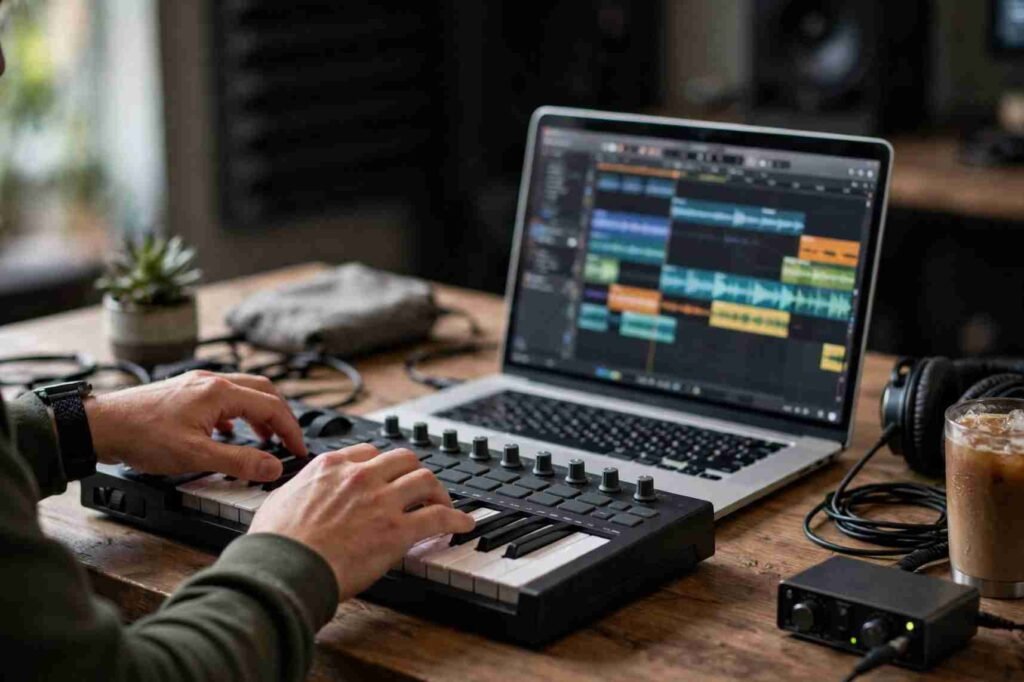
After recording, the workstation places audio clips along a visual timeline.
Each track can contain a separate instrument, vocal performance, or sound effect. Producers can listen to individual tracks or combine them during playback.
Audio Tracks Versus MIDI Tracks
Audio tracks store recorded sound, including vocals, guitars, and acoustic drums.
MIDI tracks store performance instructions such as note pitch, velocity, and duration. These instructions control software synthesizers or sampled instruments.
For example, a producer can record piano notes using a MIDI keyboard and change the instrument sound afterward without replaying the performance.
This distinction is fundamental to modern music production.
Berklee College of Music includes MIDI sequencing, virtual instruments, audio editing, and mixing among the essential skills taught in its digital production curriculum.
What Happens When Producers Edit Recorded Music?
Editing changes how recorded material is organized and played without necessarily altering the original audio files.
Most modern DAWs support non-destructive editing, meaning changes can often be reversed.
Waveform Editing and Arrangement
Producers can trim unwanted silence, split recordings, duplicate sections, and move clips around the timeline.
Crossfades smooth transitions between adjacent recordings, helping prevent noticeable clicks or abrupt changes.
These tools also simplify song arrangement. A producer might duplicate a drum pattern, move a chorus, or combine different vocal takes into one continuous performance.
Timing Correction and Pitch Adjustment
Quantization aligns selected musical events with a rhythmic grid. It is especially useful for programmed drums and MIDI performances.
Audio time-stretching changes a recording’s duration, sometimes while preserving its pitch.
Pitch correction adjusts notes that fall outside the intended musical range.
However, excessive correction can introduce unnatural vocal tones, distorted transients, or robotic timing. Selective adjustments generally preserve more of the original performance’s character.
How Digital Signal Processing Shapes a Recording
Digital signal processing (DSP) allows DAWs to modify recorded sound mathematically.
Audio samples pass through algorithms that change frequency balance, dynamics, timing, or spatial characteristics.
Beyond shaping individual recordings, digital audio processing can also help computers identify musical characteristics and distinguish between different styles. By analyzing features such as frequency patterns, rhythm, and timbre, machine-learning systems can predict the likely genre of a recording. Learn more about how automatic music genre classification works and how AI uses audio features to recognize musical styles.
The Audio Engineering Society identifies filtering, transformations, and low-latency processing among important areas of audio algorithm development.
Equalization, Compression, and Effects
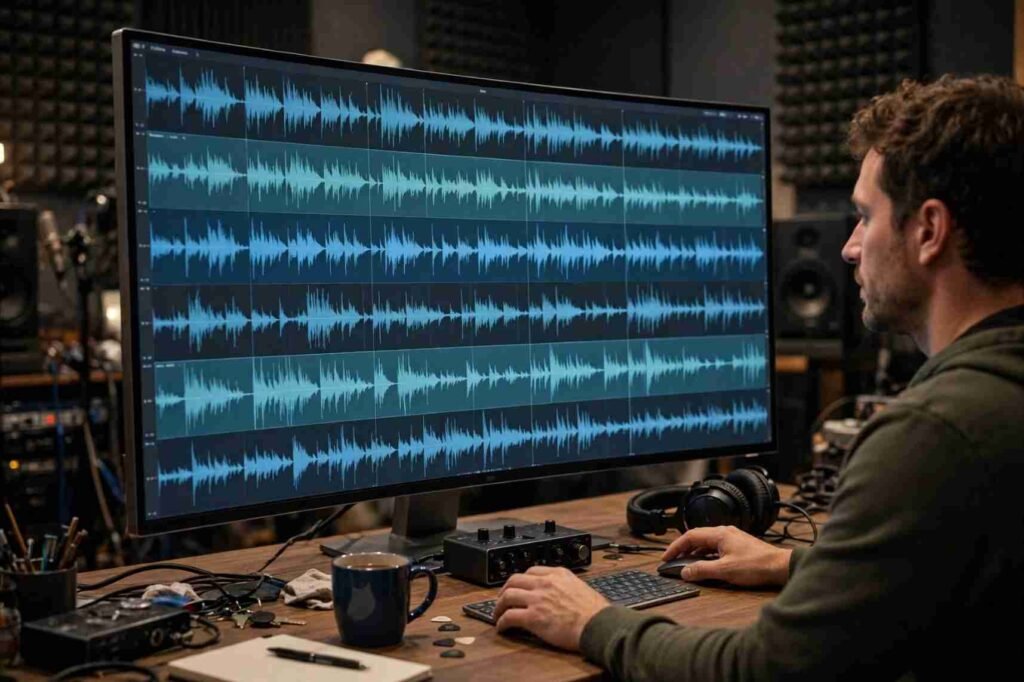
Equalization (EQ) increases or reduces selected frequency ranges. Producers might reduce excessive bass in a vocal or soften harsh guitar frequencies.
Compression controls dynamic range by reducing signal levels when they exceed a chosen threshold.
Beyond controlling dynamic range within individual tracks, digital compression also influences the overall quality and perceived loudness of recorded music. Its settings and application can affect transient detail, clarity, and the balance between quieter and louder sounds. Explore how digital audio compression affects music quality to understand its impact on different listening experiences and production outcomes.
Reverb simulates sound reflections within acoustic spaces, while delay produces timed repetitions.
DAWs apply these effects through plug-ins, either directly on individual tracks or through shared auxiliary channels.
The order matters. Compressing a signal before EQ can produce different results from equalizing it first.
How DAWs Mix Multiple Tracks Together
Mixing combines individual recordings into a coherent musical presentation.
The DAW calculates the combined audio output while applying each track’s volume, panning, effects, and automation settings.
Volume faders control relative loudness. Panning positions sound between stereo channels.
Routing allows several tracks to feed a shared bus. For instance, multiple background vocals can pass through one group channel for collective processing.
Automation adds movement by changing parameters over time. Producers can gradually increase a synthesizer’s volume or reduce vocal reverb during an important lyric.
These adjustments help create clarity, separation, and emotional impact.
Recording Latency: Why Performers Sometimes Hear a Delay

Recording latency is the time between producing a sound and hearing it through the monitoring system.
It can result from audio conversion, computer processing, buffering, and certain plug-ins.
A buffer temporarily holds audio samples for processing. Smaller buffers generally reduce monitoring delay but increase processing demands.
For example, a 128-sample buffer at 48 kHz represents approximately 2.67 milliseconds of audio per buffer, excluding other system delays.
Larger buffers offer more processing time and may reduce playback interruptions.
During recording, musicians can try smaller buffer settings or direct hardware monitoring. During mixing, larger buffers are often more practical.
How Recording Becomes a Finished Music File
Once editing and mixing are complete, the DAW renders the combined audio into a new file.
This operation is commonly called bouncing or exporting.
Producers typically export lossless WAV files for mastering, archiving, or distribution.
Once a recording is finalized, digital technology can also influence how music rights, ownership, and distribution are managed. Blockchain-based systems offer alternative ways to record ownership information, track rights, and support transparent music transactions. Explore how blockchain technology affects music ownership to understand how these developments may shape the business side of digital music.
Mastering then evaluates the complete mix, including tonal balance, dynamics, loudness, and playback compatibility.
The NC State University Libraries’ REAPER overview also illustrates how contemporary workstations support multitrack recording, editing, and mixing within one software environment.
A DAW can perform mastering tasks, but it cannot automatically guarantee a professional result. Listening conditions and informed decisions remain essential.
Frequently Asked Questions
1. Can digital audio workstations improve poor recordings?
DAWs can reduce some noise, adjust frequencies, and correct certain performance issues. However, severely clipped recordings, strong background interference, and excessive room reflections may be impossible to repair completely.
2. Do DAWs need an audio interface?
Not always. DAWs can edit imported files and create MIDI music using built-in computer audio. An external interface generally provides more suitable connections and monitoring options for recording microphones and instruments.
3. What is the difference between recording and mixing?
Recording captures individual musical performances. Mixing combines those recordings while adjusting volume, tonal balance, effects, and stereo positioning to create a cohesive final presentation.
4. Can free DAWs produce professional music?
Yes. Free DAWs can provide capable recording, editing, and mixing tools. Recording quality, production skills, monitoring accuracy, and workflow are often more important than software price.
The Real Power Behind Digital Music Production
A digital audio workstation does far more than store sound. It transforms musical performances into editable information while giving creators control over timing, tone, dynamics, arrangement, and final presentation.
The underlying technology is sophisticated, but effective production does not require mastering every algorithm.
Start with clean recordings, sensible session settings, and careful listening. Learn how each processing tool changes the audio before adding another effect.
Whether someone is producing a bedroom demo or preparing tracks for professional release, the strongest results come from combining reliable digital processing with thoughtful musical decisions.
Technology provides the possibilities. The producer determines which possibilities are worth hearing.